
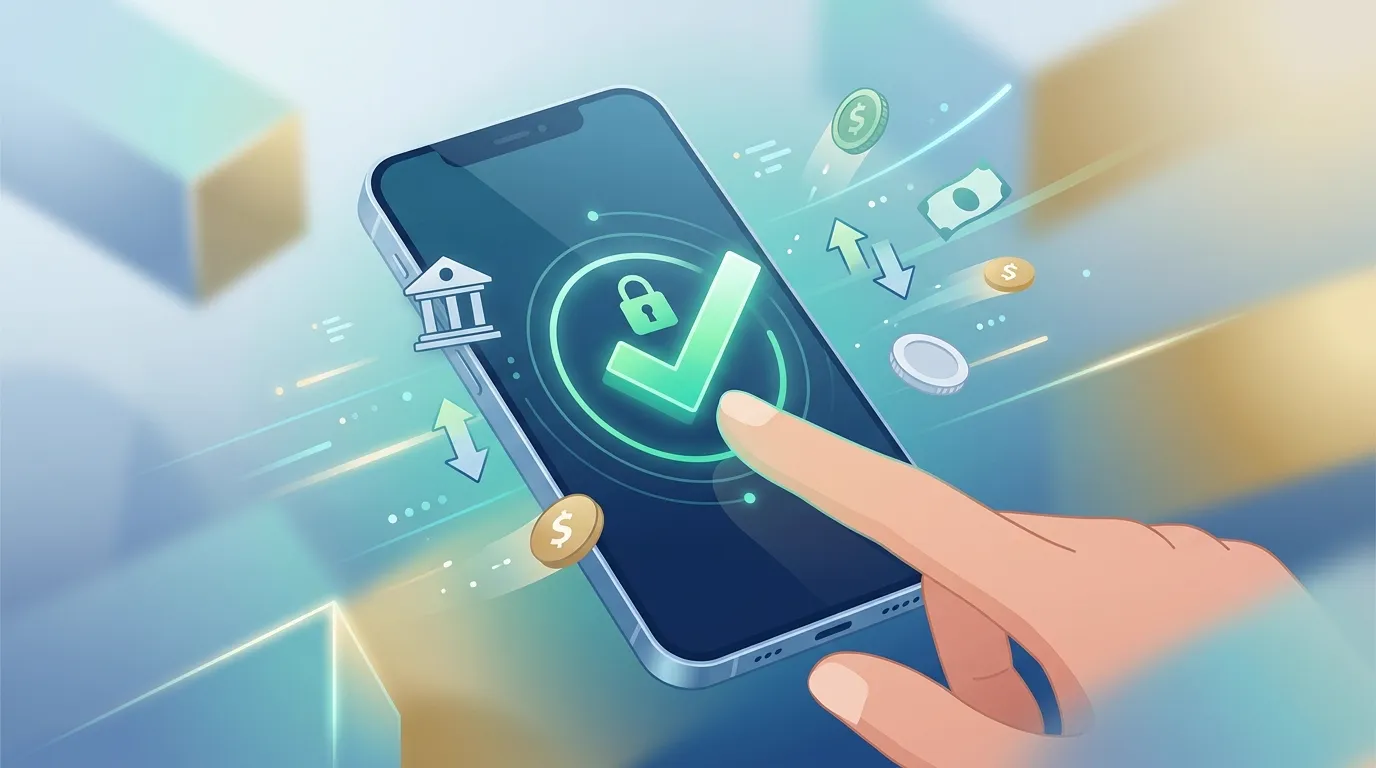
Online banking has changed how individuals and businesses manage their money. Instead of visiting a branch for routine transactions, customers can use websites and mobile applications to check balances, transfer funds, deposit checks, pay bills, and monitor account activity.
Digital banking can also provide access to online checking accounts, online savings accounts, automated transfers, electronic statements, and other financial services. However, account features, fees, interest rates, ATM access, and security tools vary between financial institutions.
Understanding these differences can help consumers select digital banking services that fit their financial habits while protecting their accounts and personal information.
Core Online Banking Services
Modern digital banking platforms provide many of the services traditionally associated with physical branches.
24/7 Account Access
Online banking allows customers to review balances, transaction histories, statements, and account activity through a website or mobile application.
Real-time or near-real-time transaction notifications can also help customers identify unexpected activity more quickly.
Digital Transfers and Payments
Customers can typically move money between eligible accounts through internal transfers or external ACH transfers.
Depending on the institution, digital banking may also support:
- Bill payments
- Person-to-person payments
- Domestic wire transfers
- International wire transfers
- Scheduled recurring transfers
- External bank-account linking
Transfer limits, processing times, and fees vary by institution, so customers should review the applicable terms before moving funds.
Mobile Check Deposit
Mobile check deposit allows customers to deposit eligible checks by photographing them through the financial institution's official mobile application.
Availability, deposit limits, funds-availability schedules, and eligibility requirements can vary between banks.
Digital Budgeting and Account Management
Some online banking platforms provide tools for categorizing transactions, setting spending alerts, monitoring recurring payments, and tracking account balances.
These features can make it easier to monitor cash flow without manually reviewing every transaction.
Online Checking and Savings Accounts
Digital banking is closely connected with online deposit products.
Online Checking Accounts
An online checking account is designed primarily for everyday transactions and may provide:
- Direct deposit
- Debit-card access
- Online bill pay
- Mobile check deposit
- Digital wallets
- ACH transfers
- Transaction alerts
When comparing online checking accounts, consider monthly maintenance fees, minimum balance requirements, ATM access, overdraft policies, and transaction limits.
Online Savings Accounts
An online savings account is designed for holding money that is not needed for everyday purchases.
Online savings accounts may offer competitive APYs, low fees, and digital account management. Customers should compare:
- APY
- Monthly fees
- Minimum balance requirements
- Transfer policies
- ATM access
- External account transfers
- FDIC or applicable deposit insurance
An attractive interest rate can be useful, but the account's requirements and fees should also be considered.
Online Banks vs. Traditional Banks
Financial institutions generally offer digital banking in one of two broad operating models: traditional banks with online services and online-focused institutions.
Traditional Banks With Digital Banking
Traditional banks combine digital services with physical branches.
This structure can be useful for customers who:
- Deposit cash regularly
- Need in-person assistance
- Use cashier's checks
- Prefer branch-based services
- Want digital and physical banking through the same institution
However, account fees, APYs, and digital features vary by product.
Online-First Banks
Online-first institutions operate primarily through websites and mobile applications.
They may offer:
- Lower account fees
- Competitive savings APYs
- Digital account opening
- Mobile banking tools
- Automated transfers
- Large ATM networks or reimbursement programs
The main limitation can be reduced access to physical branches. Customers who frequently deposit cash or need in-person services should evaluate how those needs will be handled.
Fees to Review Before Opening an Online Bank Account
Digital banking does not necessarily mean every service is free. Review the institution's fee schedule before opening an account.
Potential charges can include:
- Monthly maintenance fees
- Out-of-network ATM fees
- Wire-transfer fees
- Overdraft fees
- Excess transaction fees
- Foreign transaction fees
- Expedited card-replacement fees
- Stop-payment fees
For checking accounts, determine whether a monthly fee can be waived through direct deposit or minimum-balance requirements.
For savings accounts, examine whether fees apply when the balance falls below a certain threshold.
The lowest advertised fee is not always the most important factor. A customer who frequently uses ATMs or wire transfers may save more with an account that provides favorable transaction terms.
Interest Rates and APY
One of the differences between digital banking products can be the interest rate offered on eligible deposits.
Annual percentage yield (APY) measures the annual return on a deposit account while accounting for compounding.
Customers comparing online savings accounts should review:
- Current APY
- Whether the rate is variable
- Balance requirements
- Promotional-rate periods
- Interest-earning limits
- Monthly account fees
Savings APYs can change over time, so the rate available when an account is opened may not remain the same.
Essential Digital Banking Security Practices
Online banking provides convenience, but account security depends on both the financial institution's systems and the customer's behavior.
Use Strong Authentication
Use a unique password for financial accounts and enable multi-factor authentication whenever available.
Authenticator applications, security keys, and biometric authentication can provide additional protection depending on what the institution supports.
Avoid Suspicious Links
Phishing and smishing attempts can imitate legitimate financial institutions through emails or text messages.
Never provide a password, PIN, authentication code, or other sensitive information in response to an unsolicited request.
When accessing an account, navigate directly through the institution's official website or mobile application rather than relying on links contained in unexpected messages.
Be Careful With Public Networks
Avoid accessing sensitive financial accounts over unsecured public Wi-Fi when possible.
If banking from a public location is unavoidable, use a trusted connection and ensure the device's operating system and security software are up to date.
Monitor Account Activity
Transaction alerts can help customers identify unauthorized activity quickly.
Review account activity regularly and contact the financial institution promptly if a transaction appears unfamiliar.
How to Compare Digital Banking Services
Before opening an online bank account, evaluate the services based on how you actually manage money.
1. Compare Account Fees
Review monthly maintenance fees, ATM charges, wire fees, overdraft policies, and other potential costs.
2. Review APY and Deposit Terms
For savings products, compare APY, minimum balances, rate conditions, and interest-earning limits.
3. Evaluate ATM Access
Determine whether the institution provides a fee-free ATM network or reimburses qualifying out-of-network fees.
4. Check Transfer Options
Review ACH transfer limits, processing times, wire-transfer availability, and fees.
5. Test Digital Features
Look for mobile check deposit, transaction alerts, digital wallets, bill pay, card controls, and external account linking.
6. Verify Deposit Insurance
Before depositing funds, verify the institution's applicable deposit-insurance status.
For FDIC-insured banks, the standard deposit insurance limit is generally $250,000 per depositor, per insured bank, for each ownership category.
Online Banking Comparison Checklist
Before opening an account, compare:
- Monthly maintenance fee
- Minimum opening deposit
- Minimum balance requirement
- APY
- APY qualification requirements
- Direct deposit requirements
- ATM network
- ATM-fee reimbursement
- ACH transfer limits
- Wire-transfer fees
- Overdraft policy
- Mobile check deposit
- Digital wallet compatibility
- Online bill pay
- Transaction alerts
- Customer support
- Branch availability
- FDIC insurance status
Online banking can simplify everyday money management while providing convenient access to checking, savings, transfers, and payment services.
The right digital banking setup depends on individual needs. Customers who prioritize low fees may focus on account costs, while those keeping larger cash reserves may pay closer attention to savings APYs. Frequent cash users may need ATM and branch access, while digital-first customers may place greater importance on mobile features and automated transfers.
Comparing the complete account terms, fees, interest rates, access options, and security features before opening an account can help consumers choose digital banking services that fit their financial needs.
References
- Federal Deposit Insurance Corporation (FDIC): Deposit Insurance and Consumer Banking Information — fdic.gov
- Consumer Financial Protection Bureau (CFPB): Consumer Financial Protection Resources — consumerfinance.gov
- Federal Financial Institutions Examination Council (FFIEC): Authentication and Cybersecurity Resources — ffiec.gov
- Federal Reserve: Consumer Financial Services — federalreserve.gov